This page gives you the big picture: how a property gets onto the website, who checks it, and how payment works. Later articles explain each part step by step.
Two parts of CommercialProperty.lk
The public website. Anyone can search for properties, view listings, browse agencies and read news. No account is needed.
Your account area. Once you sign in, you get your own area of the website (called My Portal on some buttons). Here you can manage your listings, answer inquiries, see your payments, and change your settings. What you see there depends on your type of account. See User Roles & Permissions.
The life of a listing
Every property advert goes through the same journey:
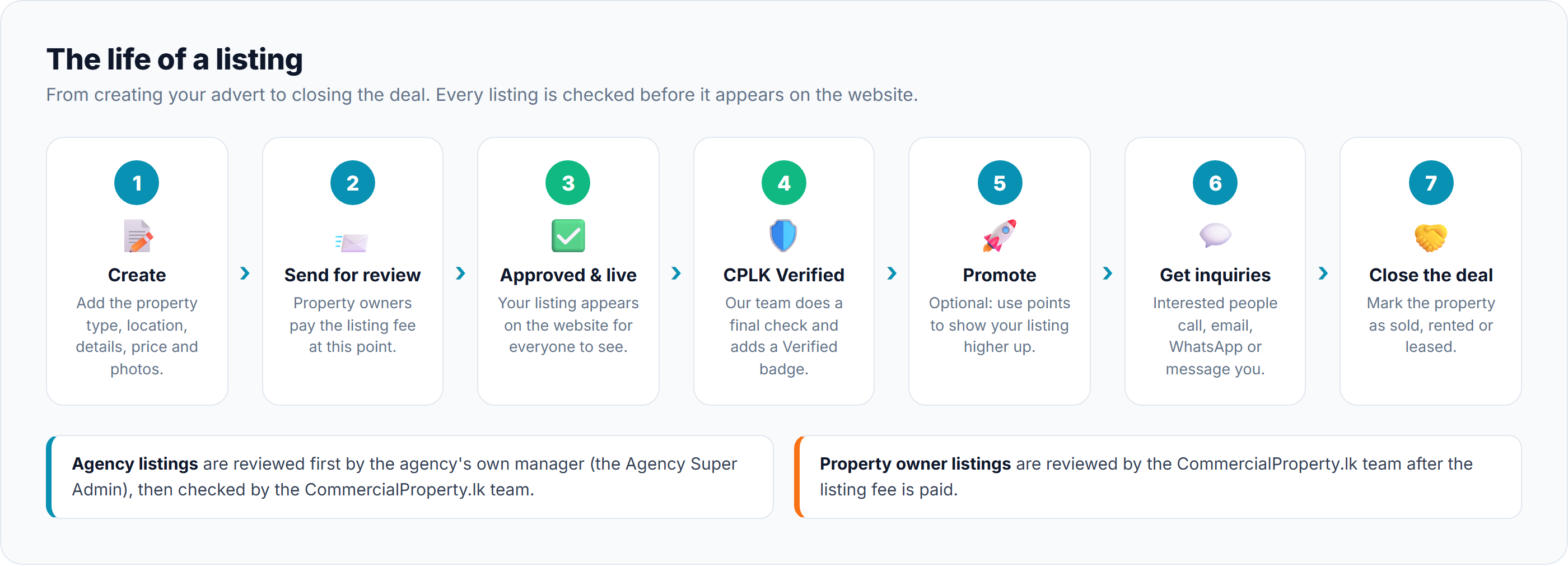
Create. Add the property type, location, details, price and photos. You can save your work and come back later.
Send for review. When you're happy with it, send it to be checked. Property owners pay the listing fee at this point.
Approved and live. Once approved, your listing appears on the website and anyone can find it.
CPLK Verified. The CommercialProperty.lk team gives it a final check and adds a Verified badge.
Promote (optional).Use points to show your listing higher up in search results or on the home page.
Get inquiries. Interested people call, email, WhatsApp or message you through the website.
Close the deal. When the property is taken, mark it as Sold, Rented or Leased.
Who checks your listing?
Agency listings are first approved by the agency's own manager (the Agency Super Admin). The CommercialProperty.lk team then does the final check.
Property owner listings are checked by the CommercialProperty.lk team after the listing fee has been paid.
If a listing needs changes, it is sent back with a note explaining why. You can fix it and send it again.
Good to know: if you change a listing that is already live, it goes back for review and is checked again before it reappears. This keeps every listing on the website accurate.
Two ways to pay
Browsing is free. You only pay when you advertise a property, and there are two ways to do it:
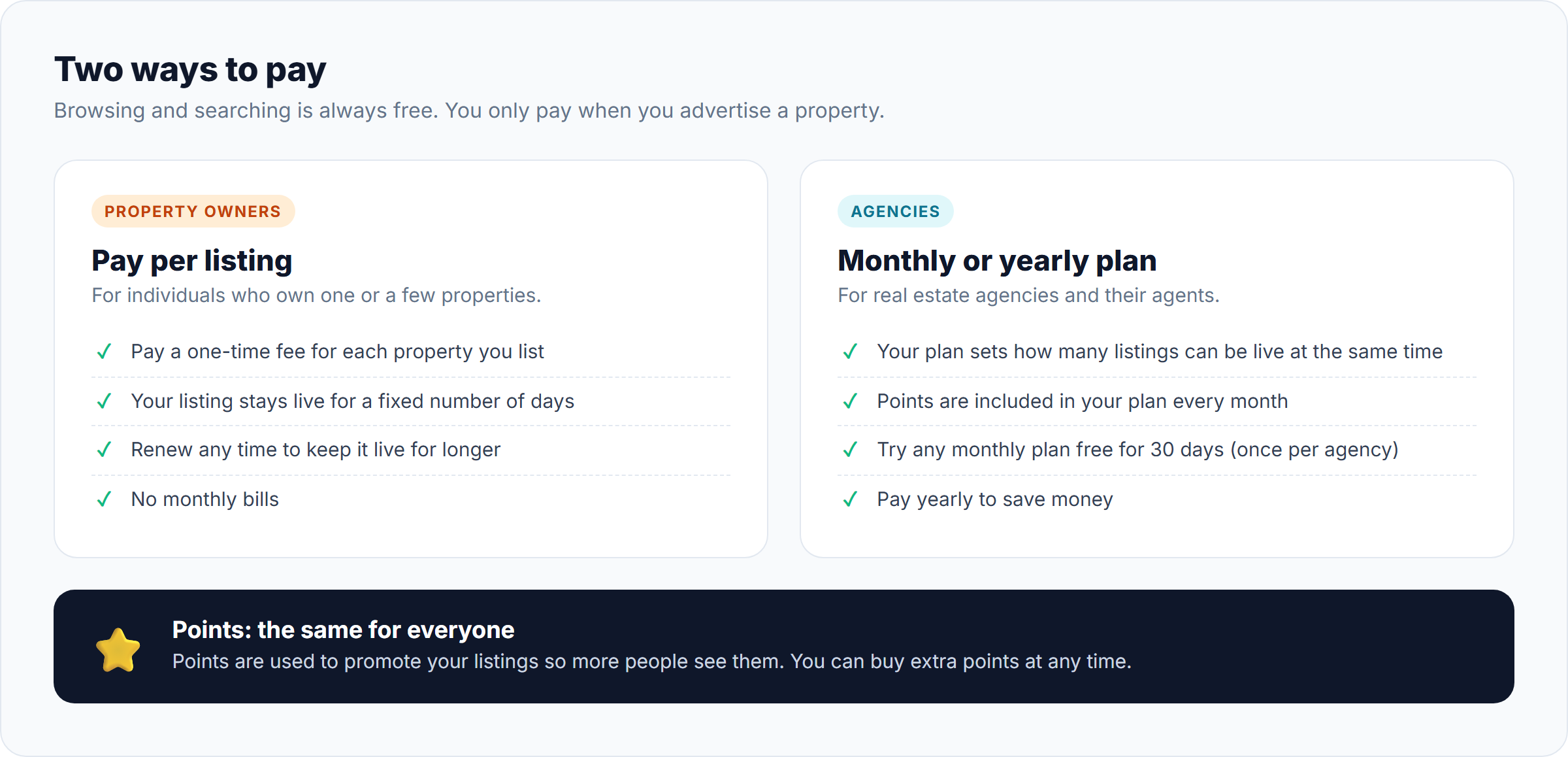
Property owners
Agencies
How you pay
A one-time fee for each listing
A monthly or yearly plan
How long it lasts
Each listing stays live for a fixed number of days (currently 30), and you can renew it any time
Your plan decides how many listings can be live at the same time
Points included
No, but you can buy them
Yes, every month
Free trial
No
Yes, any monthly plan is free for 30 days (once per agency)
You can see all prices on the Pricing page. Use the tabs to switch between the two account types:
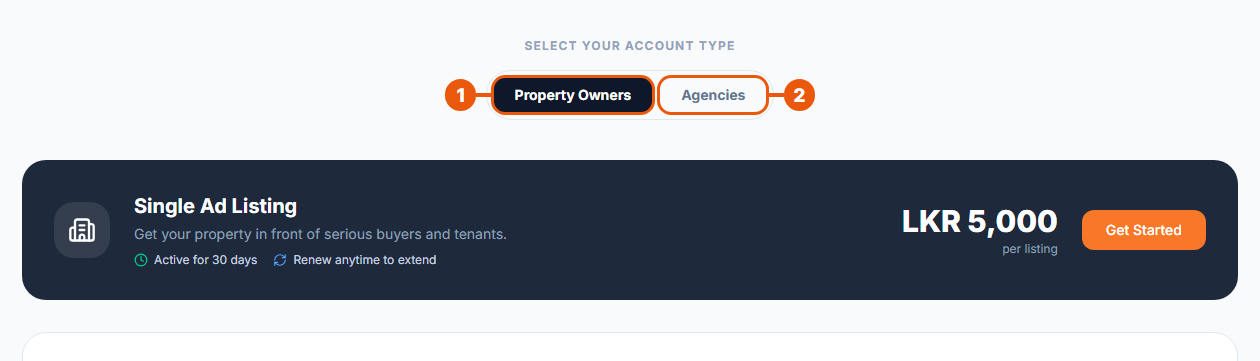
Property Owners: the price for a single listing.
Agencies: the plans (Basic, Standard and Enterprise), the free trial, and the monthly or yearly options.
What are points?
Points are used to promote your listings so more people see them. There are three ways to promote a listing:
Boost: appears above regular listings in search results.
Featured: appears above boosted and regular listings.
Homepage Sponsored: shown in a special section on the home page.
Agencies receive points with their plan every month. Anyone who advertises can buy extra points from the Pricing page or from their account.
How you pay
You can pay in two ways:
Online by card. This is quick, and your payment is confirmed straight away.
Bank transfer. Transfer the money to the CommercialProperty.lk bank account using the reference code you are given, then upload a photo of your bank slip. Our finance team checks it, usually within 1–2 working days.
Staying in touch
Inquiries and messages: people interested in a property can contact the advertiser, and both sides can keep talking through the website.
Notifications: you'll get updates on the website and by email, for example when a listing is approved, a payment is confirmed, or someone sends you a message.
Help and support: the Help Centre has answers to common questions, and you can raise a support request whenever you need help.
Related articles
Was this article helpful?
If you still have questions, our support team is here to help.
Submit a Support TicketNot signed in? Sign in first
