5.1 Quick Start: Looking for a Property
This guide is for people searching for a commercial property to rent or buy. You can search and contact advertisers without an account. A free account adds a few useful extras.
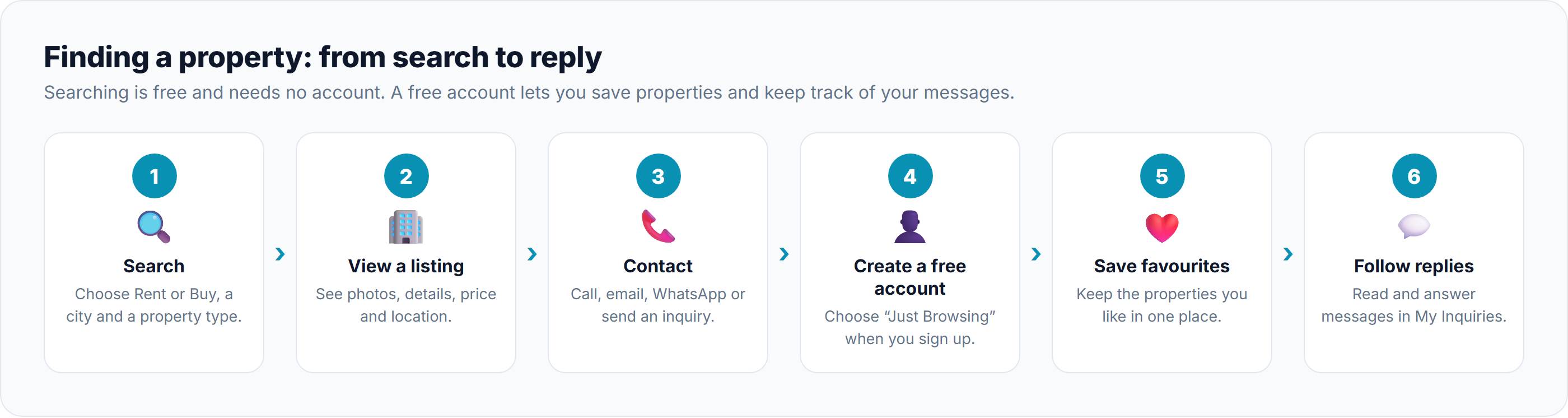
Without an account
Step
What to do
Learn more
1. Search
On the home page, choose Rent or Buy, pick a city and a property type, and click Search Properties. Then narrow the results by price, size and more.
Searching & Filtering Properties
2. View a listing
Click a property to see its photos, details, price and location. Look for the Verified badge.
3. Contact the advertiser
Use Call, Email or WhatsApp, or fill in the inquiry form on the listing.
With a free account
Create a free Just Browsing account to keep everything in one place.
Step
What to do
Learn more
4. Create a free account
Click Sign up, confirm your email, and choose Just Browsing.
5. Save favorites
Click Save on any property to keep it in your favorites.
6. Follow replies
Open My Inquiries to read replies and continue the conversation.
Your main pages
Page
What it's for
Dashboard
Your saved properties, inquiries and unread replies at a glance
Browse Properties
Search the website
Favorite Properties
The properties you've saved
My Inquiries
Your conversations with advertisers
Customer Support
Ask our team for help
Notification Center
Your alerts, such as new replies
Good to know
Browsing agencies: under Resources → Agencies you can see verified agencies and all their listings. See Browsing Agencies.
Other languages: the website is available in English, Sinhala, Tamil and Chinese. See Accessing the Platform.
Want to advertise your own property? Upgrade to a Property Owner account. See Upgrading Your Account Type.
Was this article helpful?
If you still have questions, our support team is here to help.
Submit a Support TicketNot signed in? Sign in first
