This guide is for the CommercialProperty.lk Super Admin, who runs the platform. It shows what to check every day and where to manage everything else.
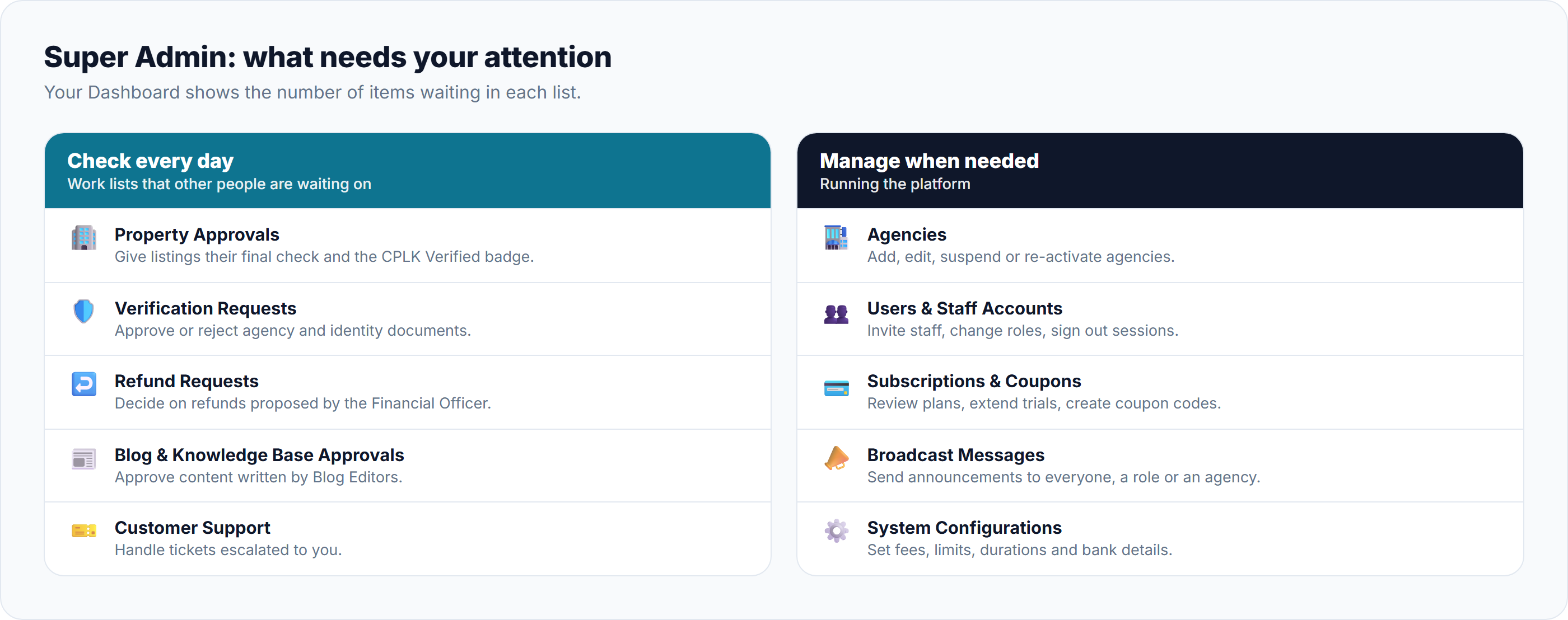
Your Dashboard shows how many items are waiting in each list, along with the number of active agencies and properties, this month's revenue, and the health of subscriptions.
Check every day
Other people are waiting on these lists. The red numbers in the side menu show how many items are waiting.
List
What to do
Learn more
Property Approvals
Give listings their final check. Approving adds the CPLK Verified badge; rejecting sends the listing back with your reason.
Reviewing & Approving Listings
Verification Requests
Check agency and identity documents, then approve or reject them.
Reviewing Verification Requests
Refund Requests
Decide on the refunds the Financial Officer has proposed: approve, change the amount, or reject.
Blog Approvals and KB Approvals
Approve or reject content written by Blog Editors.
Customer Support
Handle tickets escalated to you, and assign others.
Top-Up Requests and Subscription Requests
Bank transfers waiting to be confirmed. The Financial Officer normally handles these; you can too.
Subscription Requests, Top-Up Requests
Manage when needed
Area
What you can do
Learn more
Agencies
Add an agency, edit its details, add members, and suspend or re-activate it.
Users and Staff Accounts
Look up any user, change a role, sign out their devices, and invite staff.
Managing Users & Staff Accounts
Subscriptions
See each agency's plan and usage, and extend a trial.
Coupon codes
Create discount codes for monthly plans, and switch them off.
Creating & Managing Coupon Codes
Broadcast Messages
Send an announcement to everyone, to one role or to one agency, now or at a set time.
Content
Manage blog posts, help articles and help-centre categories.
Managing Help Centre Categories
System Configurations
Set fees, limits, durations and the bank details shown to customers.
Keeping an eye on things
Page
What it shows
Learn more
Transactions
Money received and refunded
Transactions & Financial Audit
Billing Logs
Every payment, points and plan event
Transactions & Financial Audit
Activity Logs
Who did what, and when
Properties, Promoted Properties, Inquiries
Everything on the platform, across all agencies and owners
Good to know
System Configurations is under Settings and only you can see it. Changes there affect every user, so check them carefully.
Suspending an agency takes its listings off the website and suspends its members' accounts. See Managing Agencies.
Was this article helpful?
If you still have questions, our support team is here to help.
Submit a Support TicketNot signed in? Sign in first
